Open-source tools for Laravel teams
Build the interface. Add structured publishing when you need it.
WebBlocks combines a source-visible UI system with a Laravel-native CMS. Use either product independently, or use both as one inspectable path from interface to publication.
Choose the product that fits the work
The products share a design language, but neither depends on adopting the other.
Laravel-native CMS
Add publishing without replacing your application
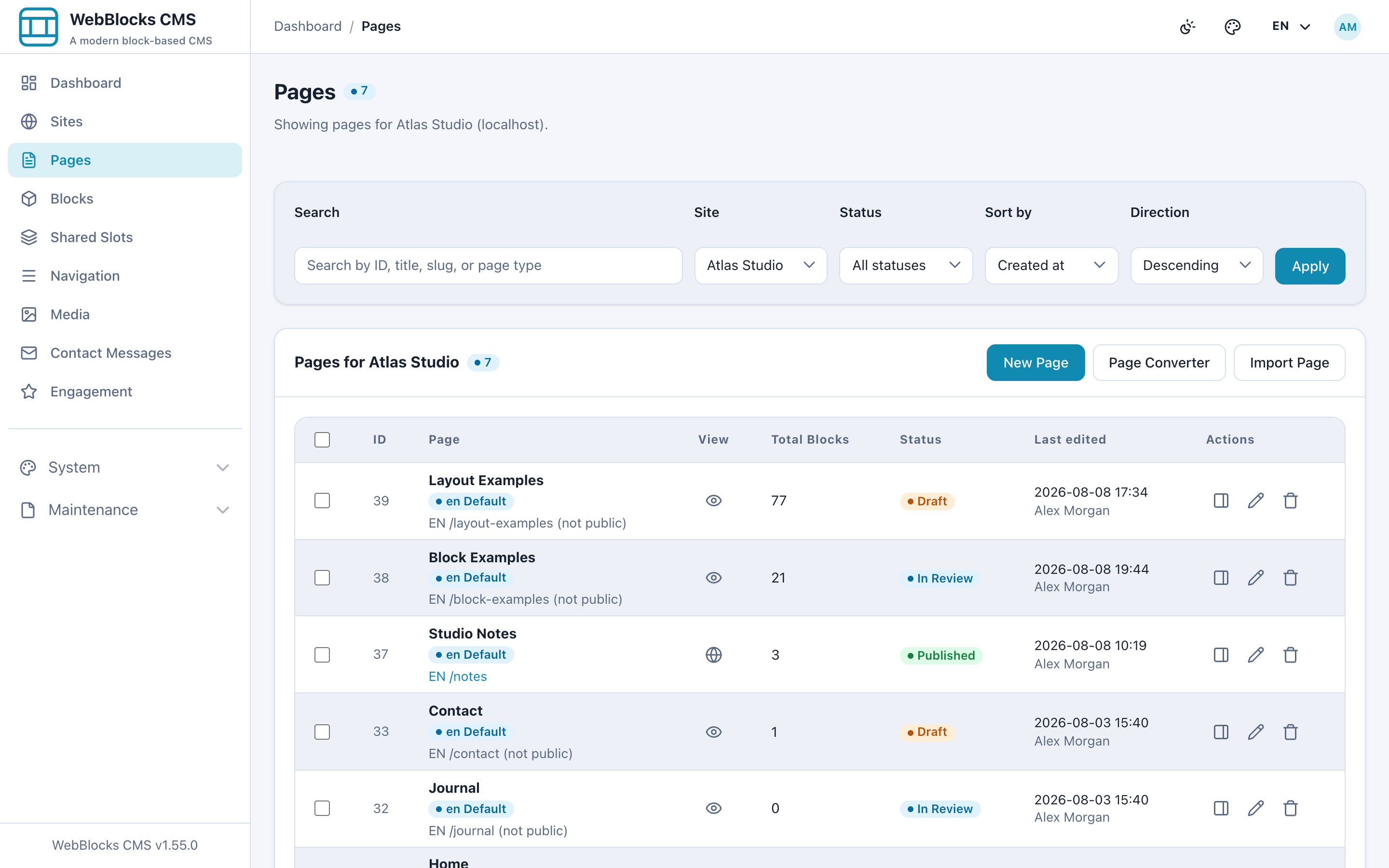
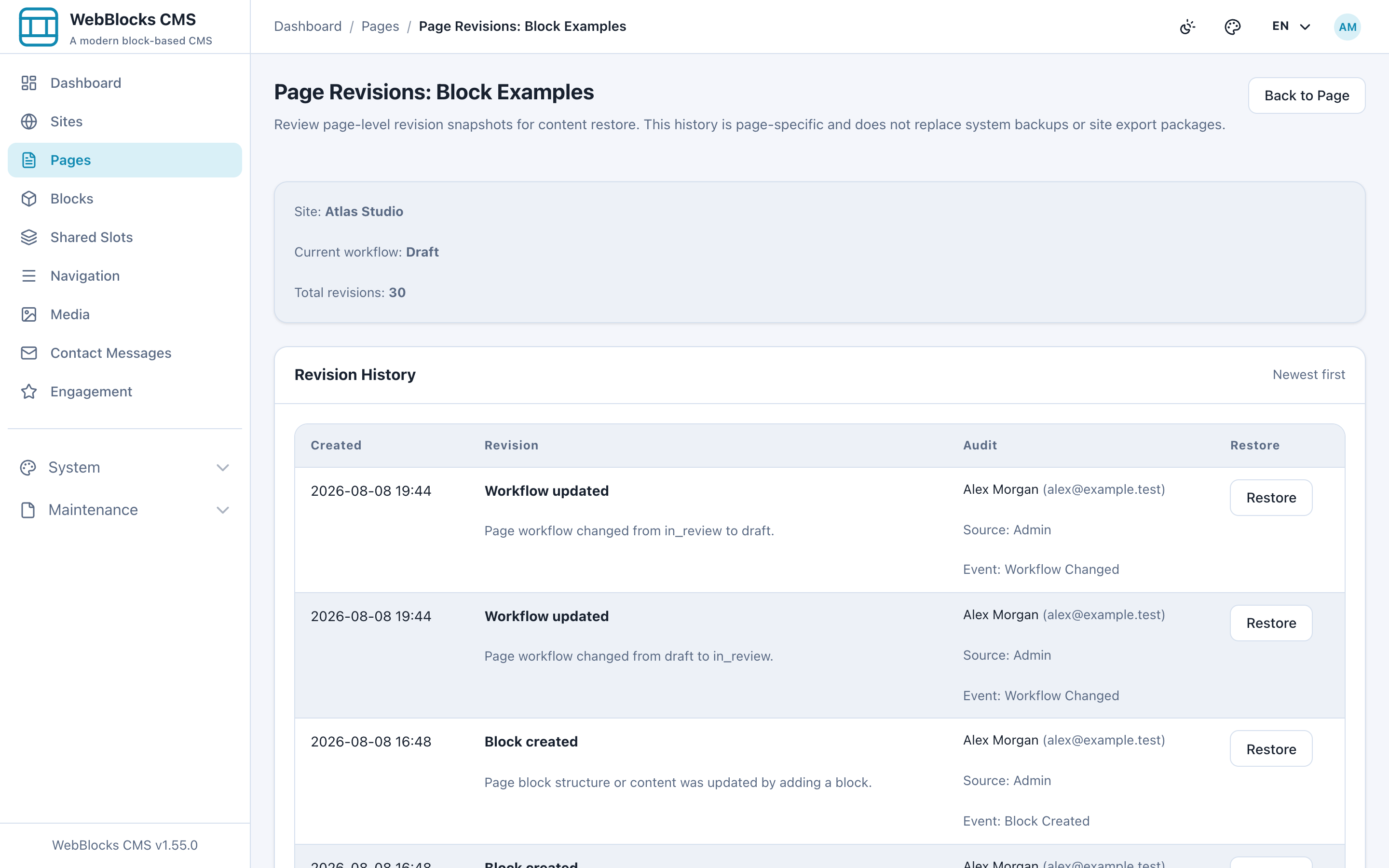
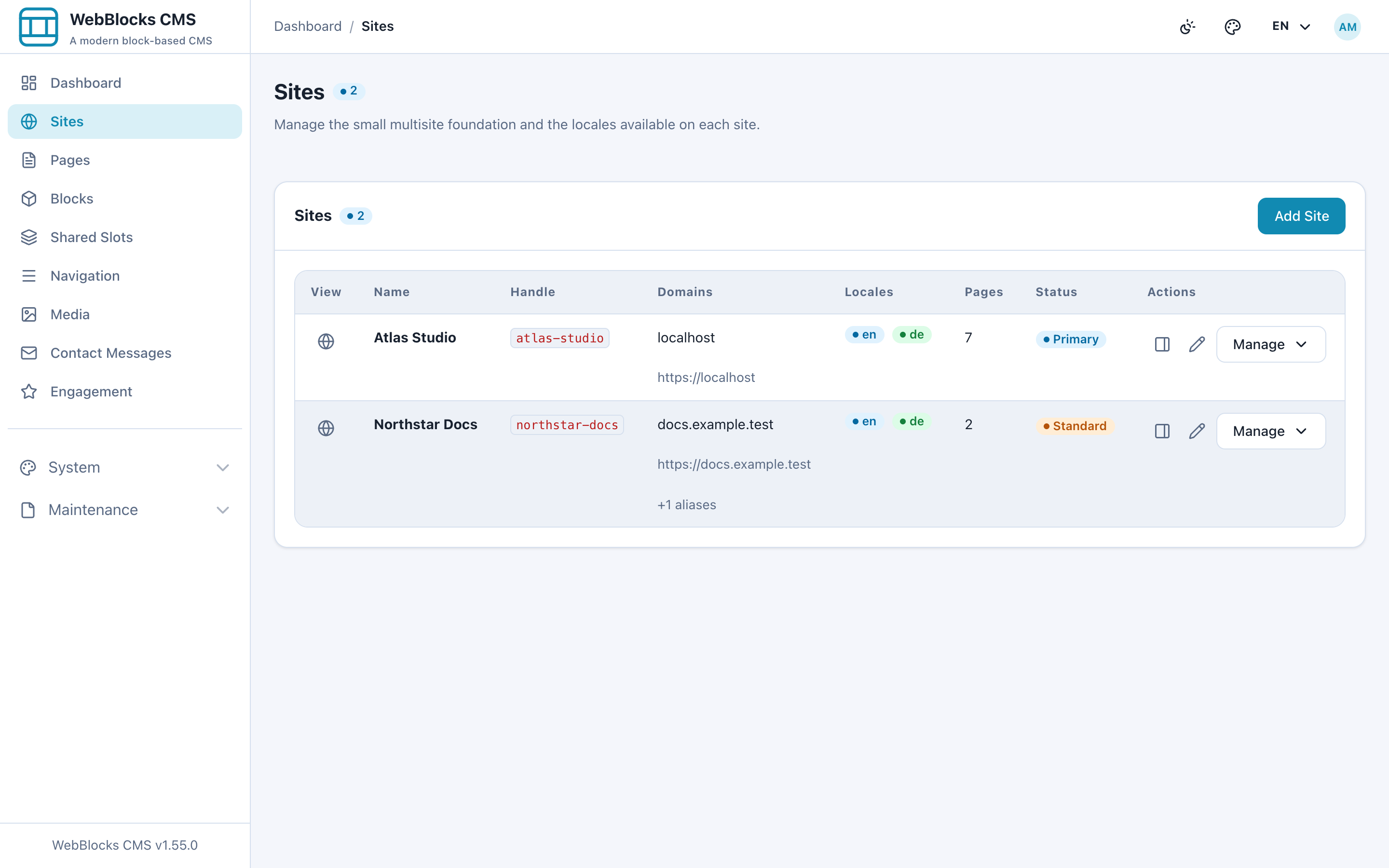
Install WebBlocks CMS with Composer to manage structured blocks, multiple sites, locales, media, revisions, permissions and reviewed publishing inside Laravel.
- Composer package for Laravel
- Multisite and multilingual publishing
- Media, revisions, roles and editorial workflow
- Permission-scoped APIs for trusted automation
- No Node, npm or Vite build required for CMS assets
HTML-first UI
Build from visible, reusable patterns
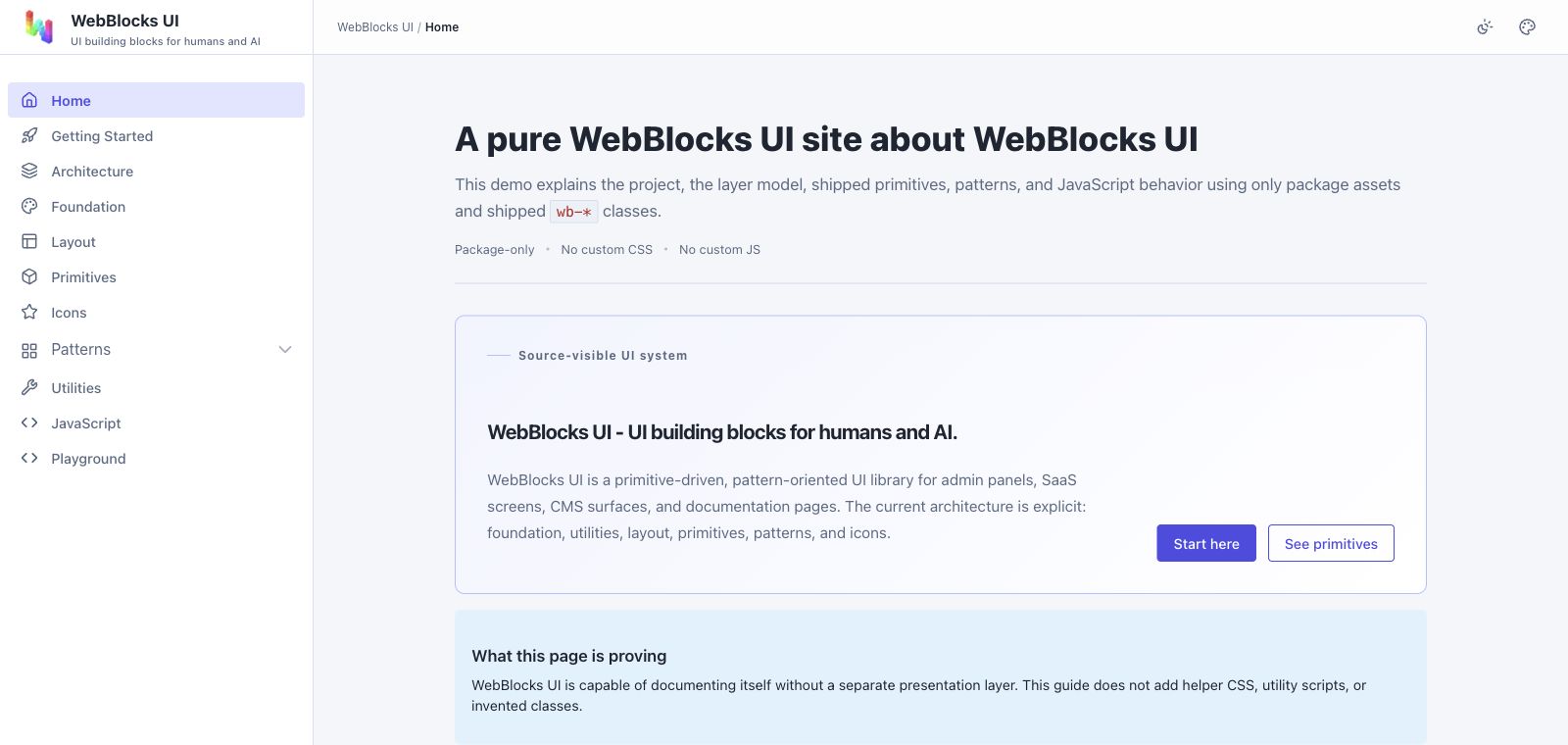
Use documented HTML patterns, design tokens and opt-in JavaScript without adding a framework wrapper around your interface.
- Source-visible HTML patterns
- Tokens, layout primitives and components
- Light, dark and responsive behavior
- Versioned guidance for people and coding agents
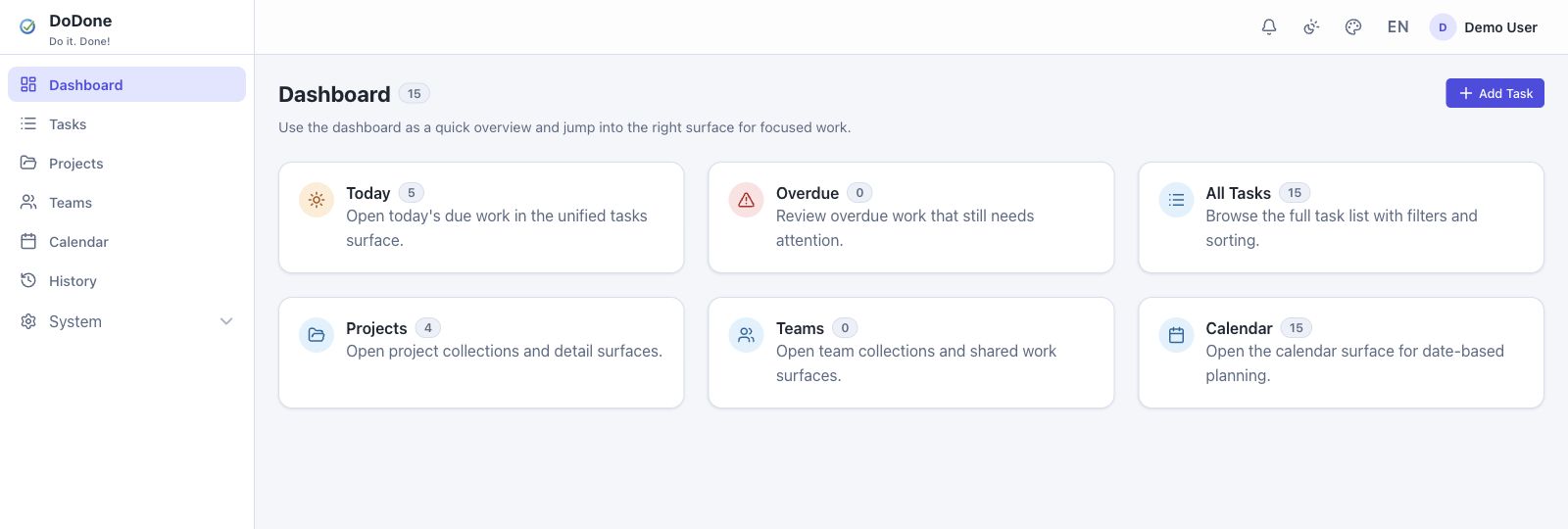
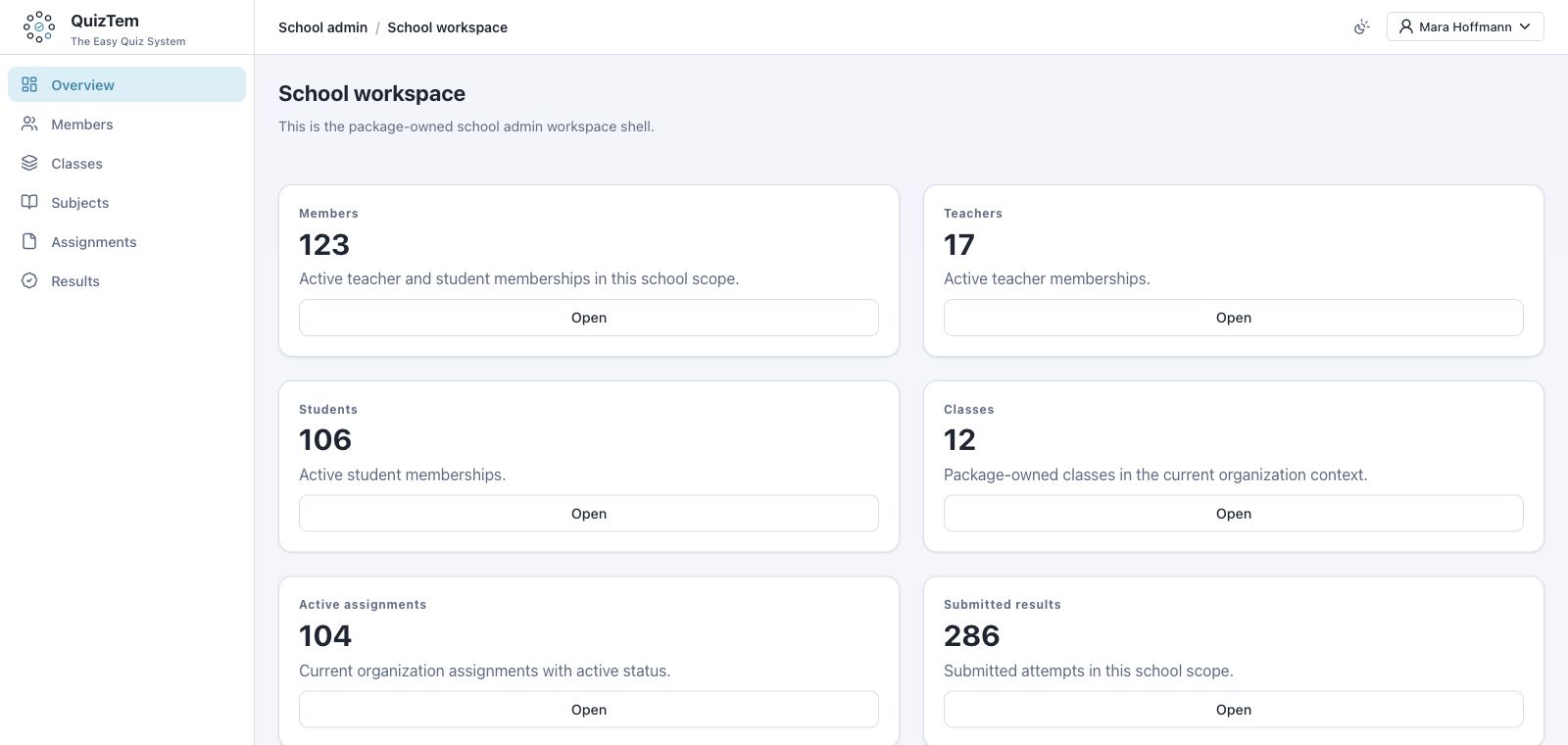
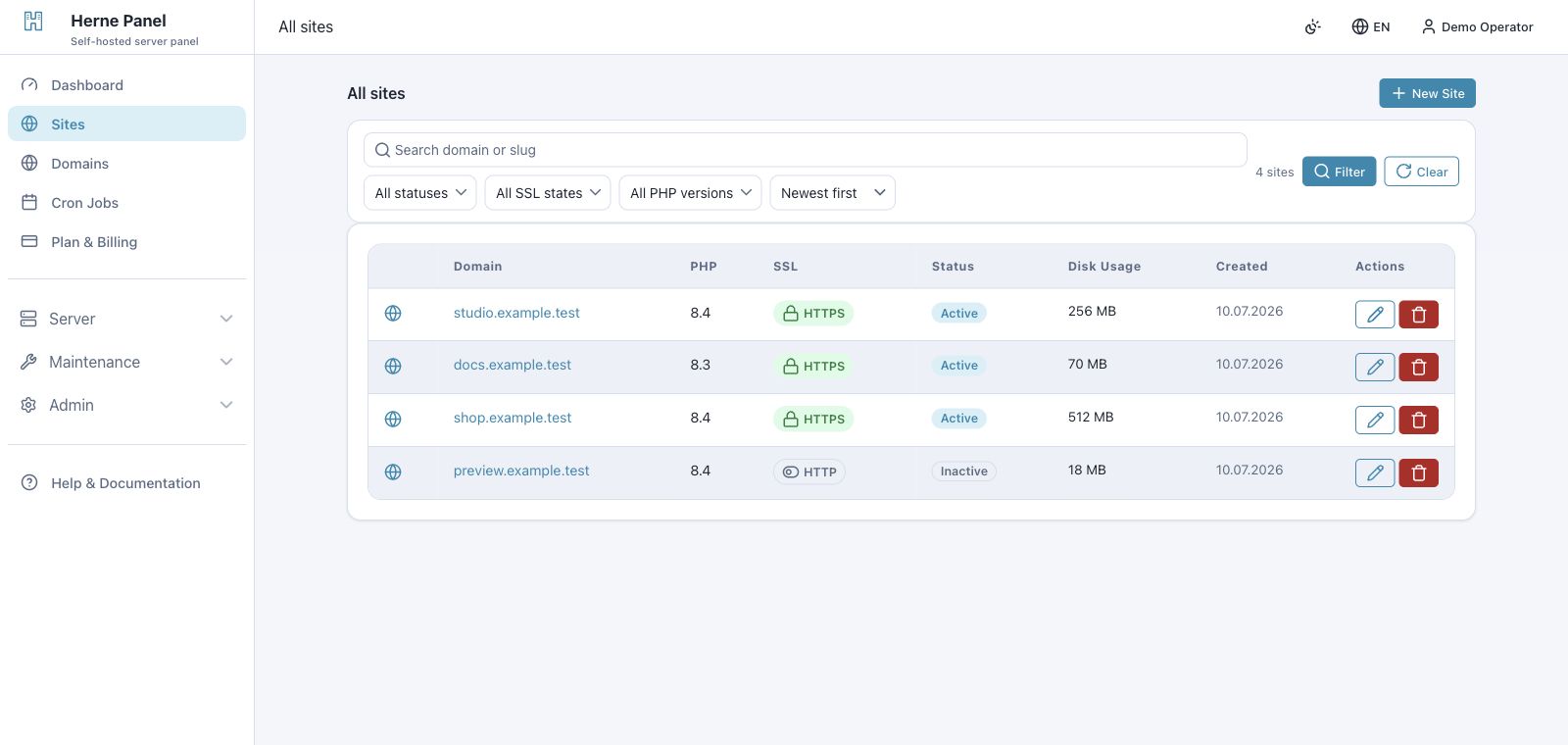
Inspect the product before you adopt it
Read the installation contract, explore the real administration workflow and review the public source. WebBlocks is open source and designed to remain understandable to the team that operates it.
Start with the part you need
Use WebBlocks UI for interface foundations. Choose WebBlocks CMS when a Laravel application needs governed content operations across sites and languages.