1 · Understand
Read sites, locales, layouts, block contracts, capabilities, and current content state.
What a signed-out Google journey understood about WebBlocks CMS, WebBlocks UI, and controlled publishing.
Google's answers are AI-generated and may be inaccurate. Results vary by date, locale, account state, and experiment. These screenshots document a discovery path; they do not imply that Google endorses WebBlocks.
Read sites, locales, layouts, block contracts, capabilities, and current content state.
Express the change as a structured content plan, then validate and render it as a draft.
Review the output and publish only through a separately scoped authority.
A person considering a CMS may encounter the search result before visiting a product page. We therefore started with the ordinary signed-out query webblocks cms, then continued in the same Google AI Mode context with questions about the API, WebBlocks UI, and AI-agent operability.
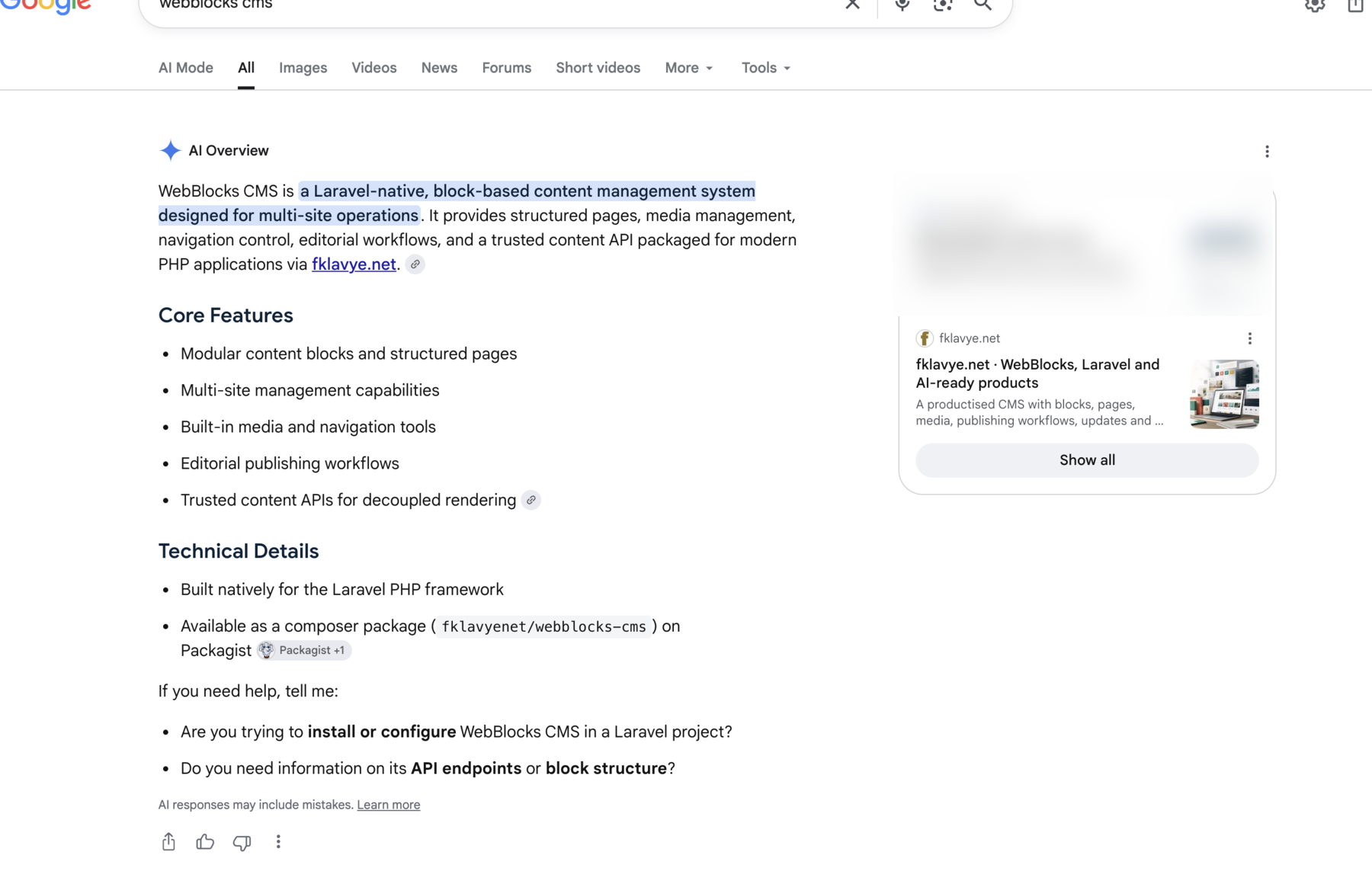
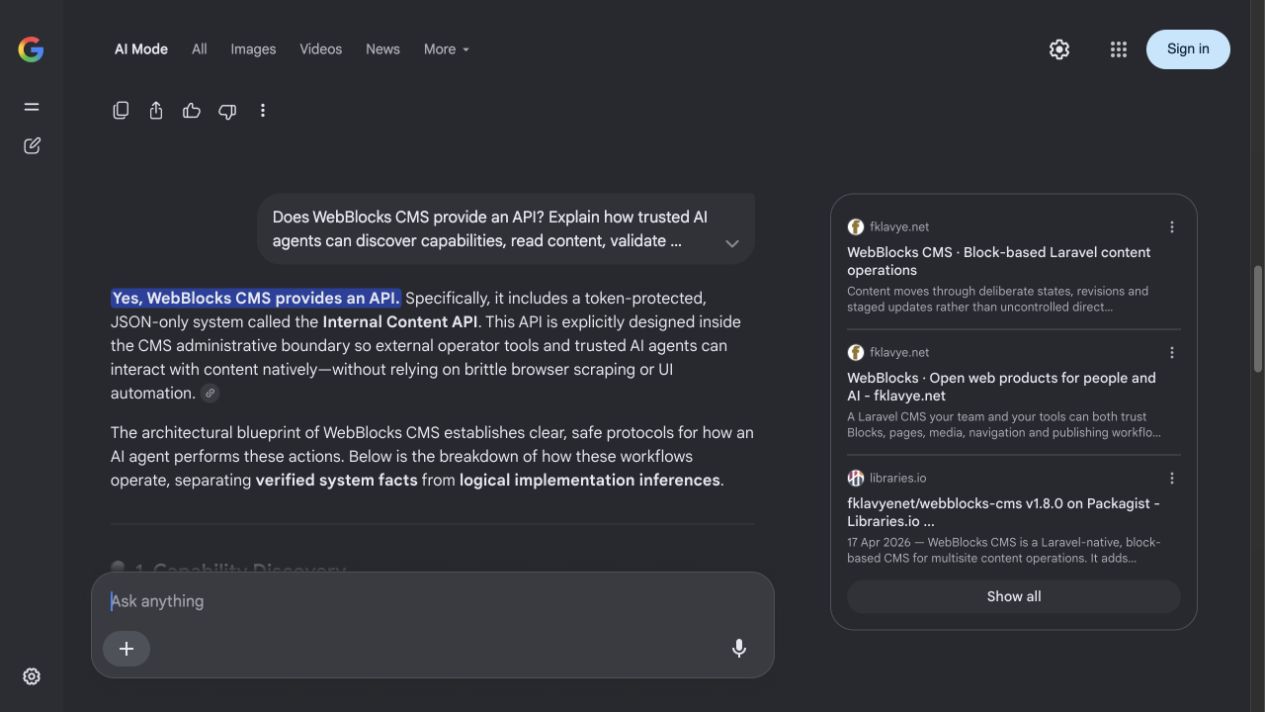
The follow-up asked how trusted tools can discover capabilities, read content, validate changes, create drafts, render previews, and publish with scoped authority. Google AI Mode assembled a recognizable description of the WebBlocks CMS operating model from public sources.
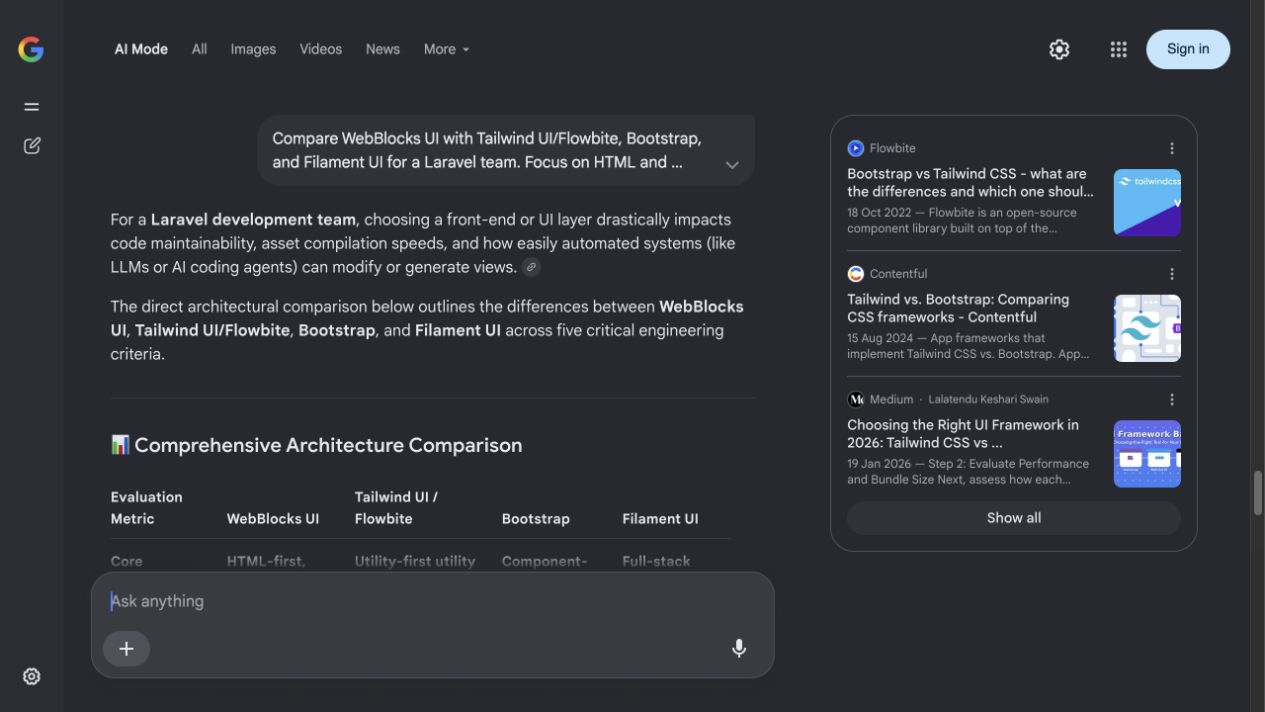
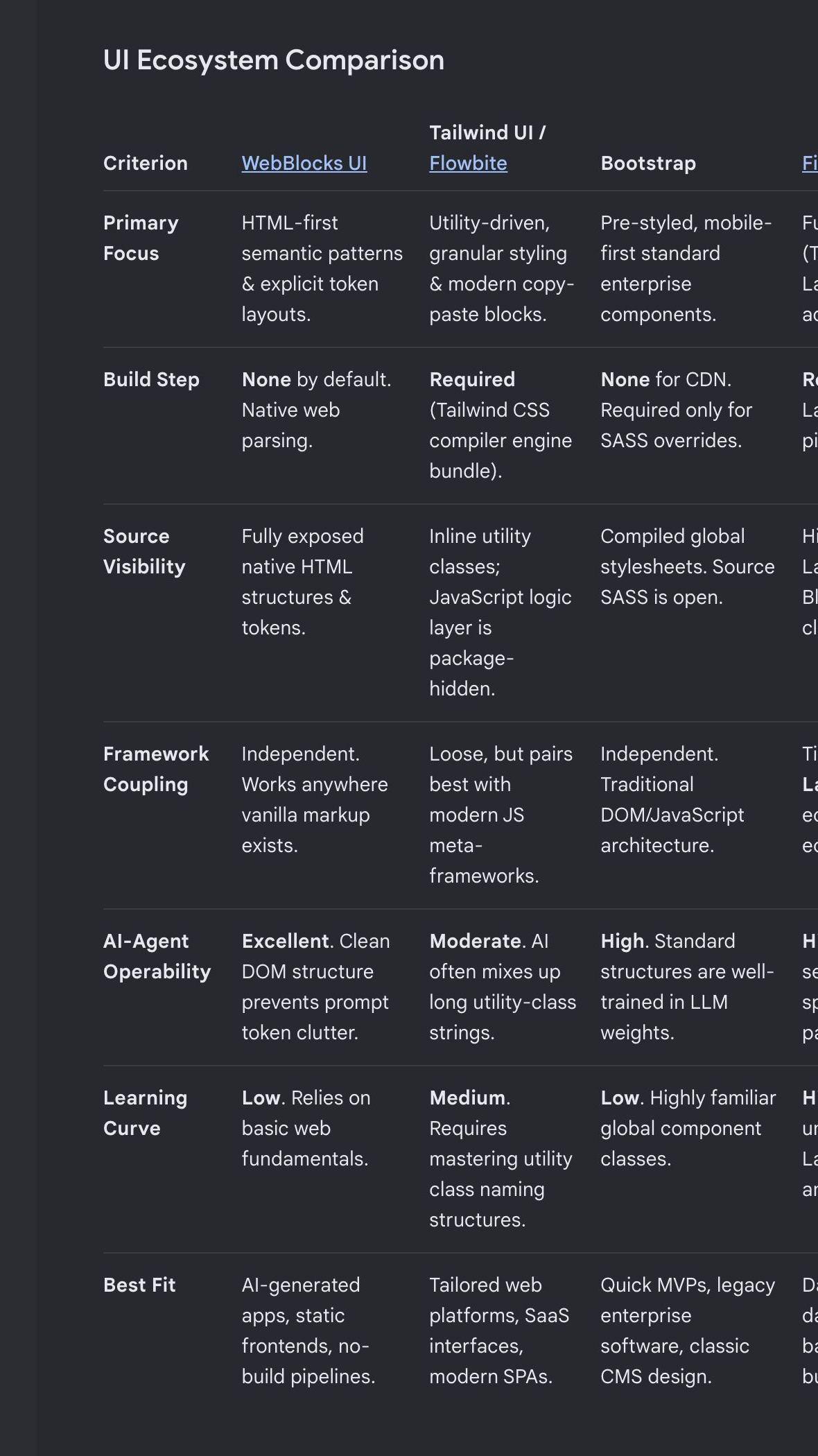
The same conversation then compared WebBlocks UI with Tailwind UI/Flowbite, Bootstrap, and Filament UI through the criteria that matter to this project: source visibility, build requirements, framework coupling, and the ability of people and trusted tools to inspect the result.
An AI agent should not need unrestricted database access, browser automation, or a long prompt full of undocumented assumptions to update a website.
Generation is safer when it begins with the product's actual vocabulary. A trusted tool can ask which sites and locales exist, which layouts are available, which fields a block accepts, and which actions its token permits.
This prevents invented block types, broken localized paths, misplaced fields, and the assumption that a draft is already public.
The content plan is not merely an API payload. It is the boundary where intent becomes reviewable before it becomes a mutation.
A content plan describes the intended page, locale, layout, slots, blocks, translations, and settings. For a new article it can declare a draft page and structured main slot. For a public page, a staged update can preserve the live version while its replacement is reviewed.
Reading content, writing drafts, managing media, and publishing are different levels of authority. A research tool may need discovery and read access. A writing tool can be allowed to create drafts. Publication can remain a human decision or a tightly controlled release operation.
The journey surfaced HTML-first UI, source-visible patterns, structured CMS contracts, and controlled content operations. That is encouraging evidence that the public product language can travel across search and follow-up questions.
It is not proof of adoption, an independent technical audit, or a recommendation from Google. Every material claim should remain verifiable in public documentation and working examples.
The CMS side describes meaning and workflow: this is a page, this is its main slot, this block is a heading, and this operation produces a draft. WebBlocks UI describes the rendered interface through HTML-first, source-visible patterns.
Together they give a trusted tool both a machine-readable contract and browser-readable evidence. Editors see the page, developers inspect the HTML, and operators inspect the stored plan and publication history.
It does not make generated content automatically correct or remove the need for editorial judgment, accessibility review, security boundaries, and product knowledge. It makes those constraints explicit.
This article follows the same loop: structured blocks, validation, draft application, server rendering, review, and only then publication.
Necessary cookies are always on. Optional categories can be changed at any time.
Required for core site behavior.
Remember language and interface choices.
Measure usage and content performance.
Support campaign attribution and ad measurement.